
GSC Content Decay Analysis (Workflow + Examples)
Google Search Console Content Decay Analysis: Case Examples + a Repeatable Workflow
Content decay is rarely dramatic. It’s usually a quiet slide: a few lost positions, a shrinking query set, a slower click-through rate—until the compounding loss shows up in pipeline and you’re left debating which updates “might” work.
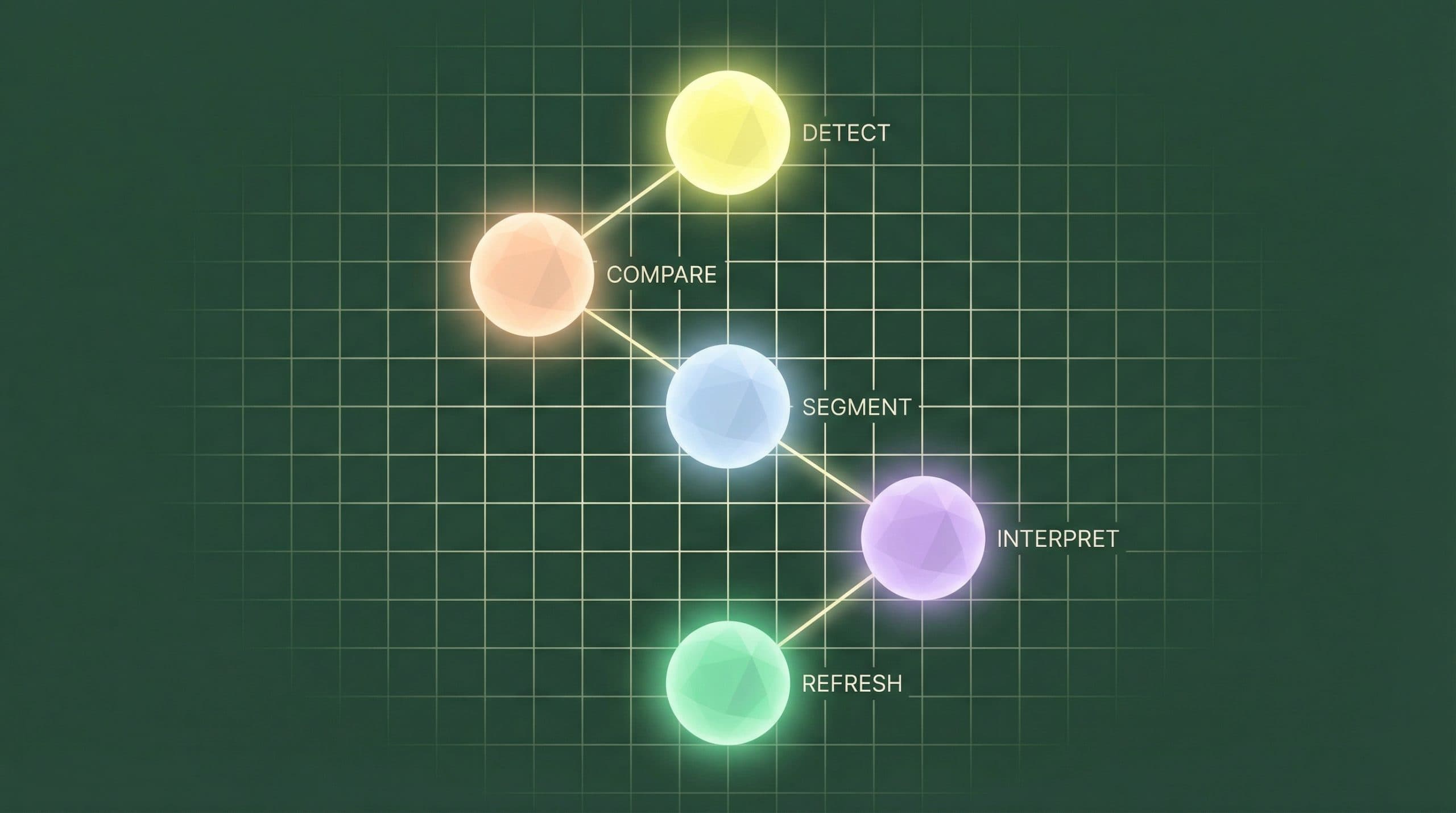
This guide shows a repeatable Google Search Console content decay analysis workflow you can run monthly: detect the drop, separate true decay from noise, identify the likely cause, and translate findings into an executable refresh backlog with defensible ROI logic. If you want the ROI framing first (so you can justify refresh work internally), start with ROI of fixing content decay with Google Search Console.
Everything below is GSC-first (Performance report, Pages, Queries, date comparisons). No tool listicles, just a process you can standardize.
What “content decay” looks like in Google Search Console (and what it doesn’t)
In operational terms, “content decay” is a sustained decline in organic performance for a page (or a page group) across comparable windows, where the cause is typically relevance drift, competition, SERP feature changes, or intent shifts.
The 3 signals that matter: clicks, impressions, and average position
-
Clicks: The outcome signal. It’s what you feel in leads/revenue, but it doesn’t tell you why.
-
Impressions: The visibility signal. It helps you separate “less demand / less eligibility” from “same demand, worse ranking/CTR.”
-
Average position: Directional only. Use it to confirm patterns (up/down), not as a precise KPI.
The fastest way to interpret decay is to look at relationships between these three metrics, not any one metric in isolation.
False positives to rule out (seasonality, tracking changes, indexing/canonicals)
Before you diagnose decay, remove the common “looks like decay” scenarios:
-
Seasonality: Compare year-over-year windows for the same dates when seasonality is plausible (e.g., tax, gifting, travel).
-
Site changes: Template changes, navigation/internal linking shifts, or migration work can move multiple pages at once.
-
Indexing/canonicals: If a page suddenly loses impressions entirely, confirm it’s still indexed, canonicalized correctly, and not blocked.
-
Query reclassification: Sometimes the page still performs but for a different query set—your “top queries” changed, not just volume.
The repeatable GSC workflow for content decay analysis
This workflow is designed for teams that need consistent output: a short list of pages, a clear diagnosis, and a refresh action that can be executed and measured.
Step 1 — Pick the page (or page group) and set a baseline window
Start in Search Console > Performance > Search results.
-
Go to the Pages tab.
-
Filter for a page you suspect is slipping (or sort by clicks and pick historically important URLs).
-
Choose a baseline time window that matches your business cycle:
-
28 days for fast-moving sites (news, high publish velocity, competitive SERPs).
-
3 months for stability (B2B, longer cycles, lower volatility).
-
Add YoY when seasonality is likely.
-
Operational output: A defined “unit of work” (page or page cluster) and a comparison frame you can reuse monthly.
Step 2 — Compare date ranges to quantify the drop (and its shape)
-
Click Date and select Compare.
-
Use two equal windows (e.g., last 28 days vs. previous 28 days; last 3 months vs. previous 3 months).
-
Record deltas for clicks, impressions, and position.
Look for the “shape” of the drop in the chart:
-
Step-change (sudden drop): often indexing, SERP feature change, or major competitor shift.
-
Gradual decline: classic relevance drift / competitive erosion.
-
Sawtooth volatility: may be query mix changes, feature testing in SERPs, or unstable rankings.
Operational output: A quantifiable loss that can be prioritized (instead of “traffic seems down”).
Step 3 — Segment by query to find what actually decayed
With the page selected, switch to the Queries tab. You’re trying to answer: Which queries used to drive value, and what happened to them?
-
Sort by clicks (or impressions) and focus on the top 10–30 queries historically driving the page.
-
Identify whether loss is concentrated (a few key queries) or broad (many queries slipping).
-
Note queries where impressions stayed stable but clicks dropped (CTR problem) vs. impressions dropped (demand/eligibility problem).
Operational output: A refresh target that’s query-led (what the page needs to win) rather than “update everything.”
Step 4 — Check if the issue is ranking loss vs. demand loss
Use this quick interpretation grid:
-
Impressions stable, position worse, clicks down → likely ranking decay (competition/relevance).
-
Impressions down first, position similar → likely demand shift or reduced eligibility (SERP change, intent shift).
-
Position stable, impressions stable-ish, clicks down → likely CTR decay (snippet/SERP features).
Operational output: You can choose the right lever (content depth vs. intent realignment vs. snippet testing) instead of defaulting to “refresh the date.”
Step 5 — Identify the “refresh lever” (content, intent match, internal links, SERP features)
Match the diagnosis to an action you can ship:
-
Ranking decay → update core sections, add missing subtopics, improve internal linking, consolidate overlapping content, strengthen “why now” freshness.
-
Demand/intent shift → re-outline around the new intent, expand coverage, add comparison/alternatives, adjust audience framing, consider splitting into multiple pages if intents diverged.
-
CTR decay → rewrite titles/meta descriptions for clarity and differentiation, align to “what searchers want now,” add structured clarifications (FAQs on-page), and test snippet angles.
At this point you should be able to write a one-line hypothesis: “If we change X, we expect Y metric to recover because Z evidence in GSC.”
Case example #1: Rankings slipped, impressions stayed steady (classic decay)
Illustrative example (not from a specific Go/Organic customer): A B2B guide page that historically ranked top 3 for a handful of high-intent queries.
What the GSC data looked like
-
Window: last 28 days vs. previous 28 days
-
Clicks: 1,240 → 860 (-31%)
-
Impressions: 48,000 → 46,900 (-2%)
-
Avg position: 3.2 → 5.1 (worse)
Query view showed the top 3 queries moved from positions ~2–3 to ~4–6, while impressions held. That’s a ranking erosion pattern.
The likely cause and the refresh action
Likely cause: competitors expanded coverage and better matched intent (more concrete steps, updated examples, clearer definitions). Your page became “thin” relative to what the SERP now rewards.
Refresh action:
-
Add 2–3 missing subsections that appear repeatedly in the query mix (e.g., “checklist,” “templates,” “pitfalls”).
-
Update examples/screens to match current workflows.
-
Improve internal links from 2–5 relevant, high-authority pages to this URL using descriptive anchors (avoid exact-match repetition).
How to estimate ROI before you refresh
Use a conservative “recoverable clicks” model:
-
Recoverable clicks/month = (baseline clicks − current clicks) × recovery rate
-
Incremental conversions = recoverable clicks × conversion rate
-
Incremental value = incremental conversions × value per conversion
Example: (1,240 − 860) = 380 lost clicks. Assume 60% recovery = 228 clicks. If CVR = 2.0% and value/conversion = $400, then estimated monthly upside ≈ 228 × 0.02 × 400 = $1,824/month. Use ranges (low/base/high) to avoid overconfidence.
Case example #2: Impressions dropped first (demand/SERP shift, not just content)
Illustrative example: A “best X tools” page where the SERP shifted toward review sites and listicles with fresh pricing tables and first-party testing.
What to look for in query mix and top queries
-
Window: last 3 months vs. previous 3 months
-
Clicks: 9,800 → 6,900 (-30%)
-
Impressions: 610,000 → 410,000 (-33%)
-
Avg position: 8.4 → 8.7 (roughly flat)
When impressions fall while position stays similar, it often means:
-
The query set changed (different modifiers, different needs).
-
New SERP features reduced organic visibility (AI answers, product grids, larger video blocks).
-
The category demand shrank (or moved to different terms).
In GSC, confirm by checking whether the page’s top queries are changing (new terms emerging; old ones disappearing), not just declining.
The fix: re-align to intent + expand coverage (not just “update the date”)
For demand/SERP shifts, shallow freshness edits rarely help. Instead:
-
Re-outline to match the new intent (e.g., “best for X use case,” “pricing,” “implementation,” “alternatives”).
-
Add coverage that earns eligibility for different query families (comparisons, “how to choose,” migration considerations).
-
If the page is trying to satisfy multiple intents, split into 2 pages and link them clearly.
Operational output: a scoped re-brief (new outline + target query sets) rather than a “light update” task that won’t move the needle.
Case example #3: Clicks fell but position didn’t (CTR decay)
Illustrative example: A high-ranking how-to page that kept its position, but competitors improved snippets and SERP features expanded.
Diagnosing CTR decay in GSC (titles, snippets, SERP features)
-
Window: last 28 days vs. previous 28 days
-
Clicks: 3,400 → 2,700 (-21%)
-
Impressions: 120,000 → 118,000 (-2%)
-
Avg position: 2.1 → 2.2 (flat)
This pattern usually means the SERP got more competitive at the snippet layer. In GSC you can’t see SERP features directly, but you can infer the need to inspect:
-
Your title no longer reflects the fastest path to the answer.
-
Competitors added “2026,” templates, or clearer outcomes.
-
The SERP added features that siphon clicks (AI answers, PAA expansion, video blocks).
The fix: snippet testing + structured updates
-
Write 2–3 title variants that are more explicit about the outcome (e.g., steps, time-to-complete, who it’s for).
-
Update the intro to match the promise of the title (reduce pogo-sticking signals).
-
Add on-page FAQs where they genuinely clarify decision points; ensure answers are concise and specific.
Operational output: a measurable test plan (title/snippet changes) with pre/post windows tracked in GSC.
Turning analysis into a refresh backlog you can execute (without the Operations Gap)
Most teams don’t fail at analysis—they fail at operationalizing it. Insights live in tabs, while execution lives in docs, tickets, and scattered content systems. That’s the Operations Gap: the distance between knowing what to refresh and shipping refreshes consistently.
A simple prioritization score (impact × confidence × effort)
Use a lightweight model that your team can apply in minutes:
-
Impact (1–5): How many clicks/conversions are realistically recoverable? (Use historical clicks, not hopes.)
-
Confidence (1–5): How clear is the cause in GSC patterns? (Ranking decay vs demand vs CTR.)
-
Effort (1–5): How much work to execute (brief, write, review, publish, internal links)?
Score: (Impact × Confidence) ÷ Effort. Sort descending. Build your next 2–4 weeks of refreshes from the top.
What to document so ROI is measurable after publishing
-
Before snapshot: clicks, impressions, avg position, and top queries for the chosen window.
-
Hypothesis: “We believe X is causing the drop; we’ll change Y; we expect metric Z to improve.”
-
Change log: what you updated (sections added, re-outline, internal links, title/snippet).
-
Measurement window: 14–28 days for CTR tests; 28–90 days for ranking/content changes (varies by site).
If your team struggles to move from GSC findings into a consistent execution system, this is where an operational layer helps. Go/Organic’s Connectivity Suite for unifying GSC data with your content workflow is designed to reduce the handoffs between insight, prioritization, and publishing—so refresh cycles become repeatable rather than reactive.
CHECKPOINT: Start a Free Trial of the Connectivity Suite
How Go/Organic helps operationalize GSC-driven refresh cycles
GSC is excellent at telling you what happened. Most teams still need a reliable way to turn that into what gets shipped next—with ownership, timelines, and measurement that doesn’t get lost.
Unify your stack: connect GSC data to your content system of record
When performance data and content inventory live in separate places, refresh programs slow down: analysts export, editors reformat, PMs rebuild lists, and writers lack context.
If you’re evaluating options to connect Search Console as a data source, review the Google Search Console integration for Go/Organic for current details and implementation considerations (without assuming anything about your existing stack).
Automate workflow: move from insight → task → publish faster
The operational goal isn’t more dashboards—it’s less friction:
-
Standardize your decay checks (same windows, same filters, same outputs).
-
Create a repeatable refresh intake (hypothesis, scope, owner, due date).
-
Shorten cycle time from “we saw a drop” to “updated page is live.”
Measure what matters: tie refresh actions to outcomes
The most defensible content ops narrative is: diagnosis → action → measured result. That’s how refresh programs earn ongoing resourcing—because they show recovered performance rather than activity.
CHEKPOINT: See how the Google Search Console integration works
FAQ
What is content decay in Google Search Console terms?
In GSC, content decay typically shows up as a sustained decline in clicks and/or impressions for a page (or query set) over comparable time windows, often paired with worsening average position. The key is “sustained” and “comparable”—not a one-week dip.
How do I tell ranking decay from demand (seasonality) in GSC?
If impressions drop across the same queries while average position stays similar, demand or SERP visibility may be shrinking. If impressions are stable but average position worsens (and clicks fall), it’s more likely ranking decay. Always compare the same period year-over-year when seasonality is plausible.
What date ranges should I compare for content decay analysis?
Use two equal windows that match your content’s buying cycle and volatility—commonly 28 days vs. previous 28 days for fast feedback, and 3 months vs. previous 3 months for stability. For seasonal topics, add year-over-year comparisons.
Why did clicks drop if average position didn’t change?
That often indicates CTR decay: SERP features expanded, competitors improved titles/snippets, or your snippet no longer matches intent. In GSC, look for stable position with declining clicks and impressions that are flat or slightly down.
How do I prioritize which decayed pages to refresh first?
Prioritize by (1) potential impact (historical clicks/conversions, query value), (2) confidence (clear cause in GSC patterns), and (3) effort (how much work to regain relevance). A simple impact × confidence ÷ effort score is usually enough to build a defensible backlog.